The Guild Panel is opened by pressing the "G" hotkey (you must be a guild member to do this).
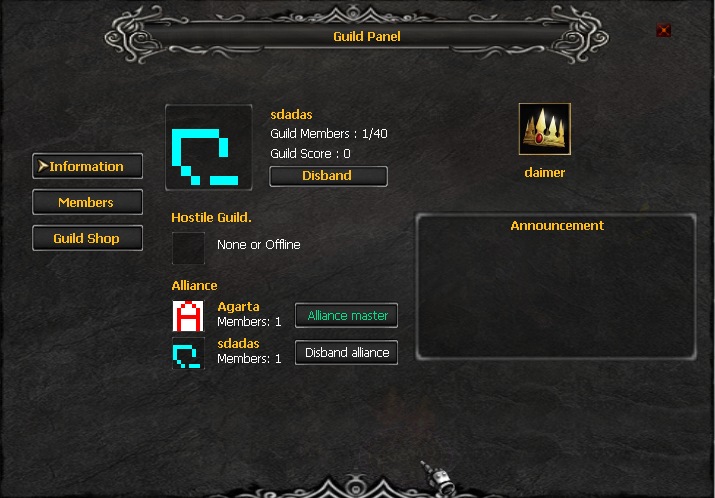
In the "Information" tab, you'll see all the information you need about your guild.
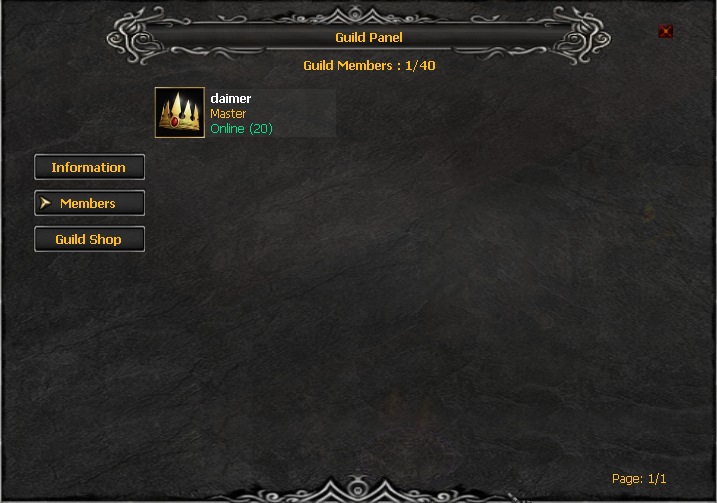
The "Members" tab displays the entire guild. The Guild Master can also change the guild's status to Assistant or Battle Master.
In the Guild Shop tab, only the Guild Master can make purchases using Guild Points.
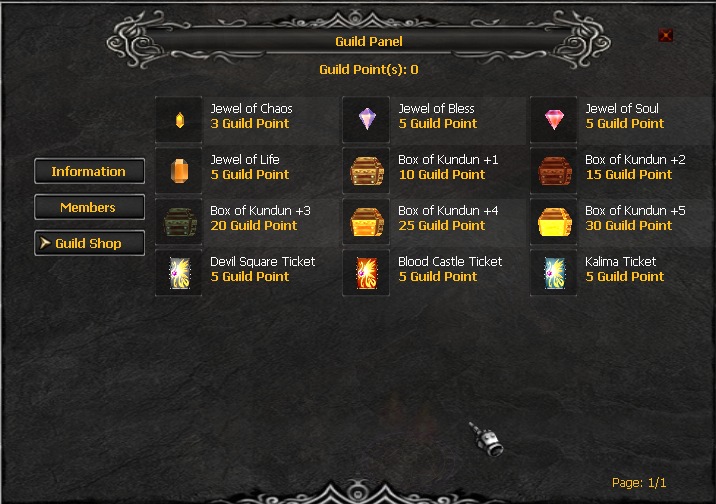
Guild Points are awarded for:
Taking a crown during a siege = 50 Guild Points
Killing during a siege = 1 Guild Point
Getting a Reset as a guild member = 5 Guild Points
Getting a Grand Reset as a guild member = 100 Guild Points