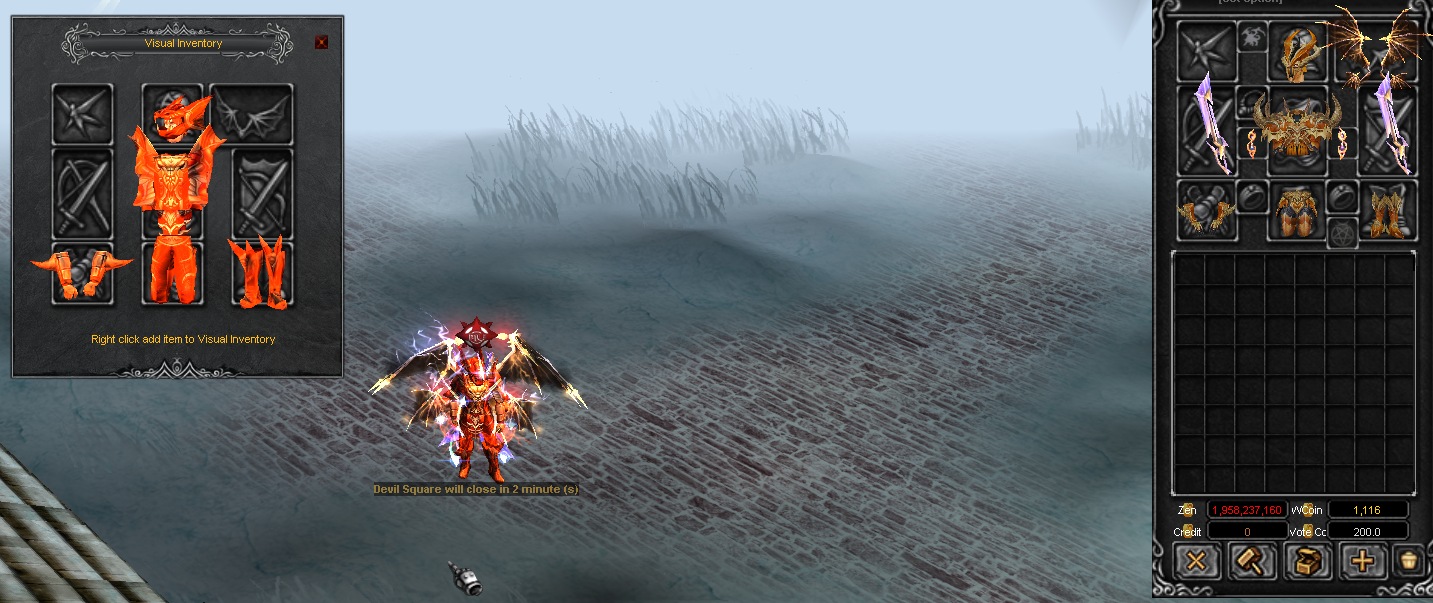
Visual inventory is designed to replace your appearance
Applied items in the visual inventory will display the character's appearance
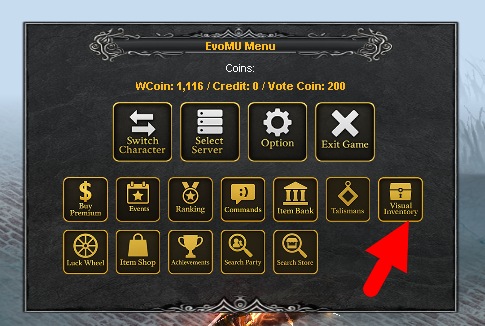
To open the visual inventory you need to press ESC>Visual Inventory
With the right mouse button click you can put on or take off an item
Visual inventory also supports class requirements
In it you can replace Weapon, Set, Shield, Wings.
Items created exclusively for visual inventory cannot be used by the character for other purposes, they are marked with a special inscription "Visual Inventory Only"